
The Great Smart Home Pivot: Why I Switched from Home Assistant to Homey
A practical look at my experience moving from Home Assistant to Homey. Beautiful design, strong developer tooling, but one major feature still missing: AI-assisted automation flows.

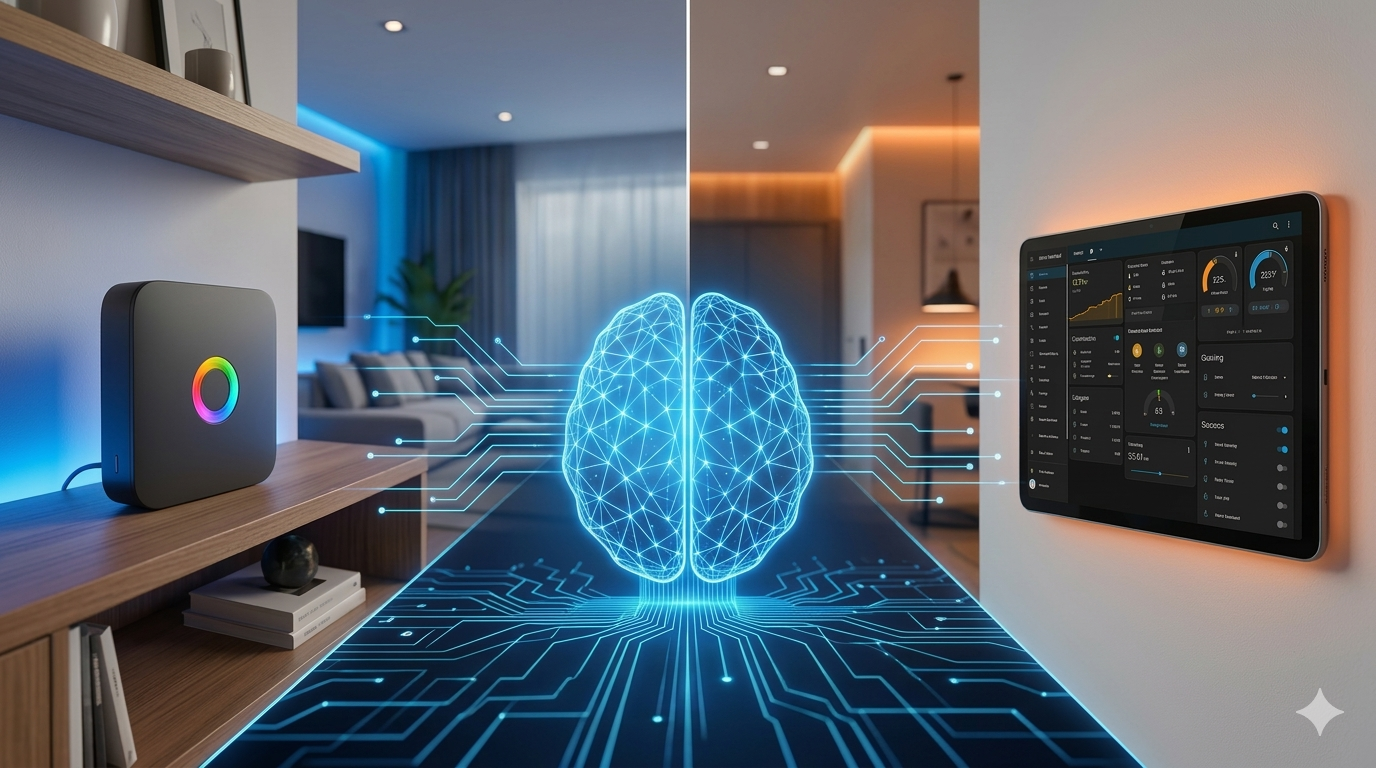
In the smart home world, two heavyweights usually dominate the conversation: Homey and Home Assistant. Both are powerhouses, both boast massive communities, but they approach the "Smart Home" problem from polar opposite directions.
For years, Home Assistant was a cornerstone of my self-hosted infrastructure. Recently, I made a deliberate choice: I moved the core of my automation to Homey.
This wasn’t because Home Assistant lacks power—on the contrary, it’s arguably the most capable tool in existence. I switched because Homey does something rare: it makes complex automation feel approachable, stable, and visually intuitive.
However, after living with it, I’ve realized where the platform needs to go next to keep its lead. That next step? AI-assisted automation.
Why the Switch? It’s About the UX
The primary driver for my move was simple: User Experience.
Homey offers one of the most polished interfaces in the ecosystem. Devices are logically grouped, rooms are structured, and—crucially—automation flows are visually represented. As a system grows, this clarity is a lifesaver.
Instead of wrestling with YAML configuration files or nested logic menus, Homey leans into visual automation logic. The Flow builder makes it crystal clear what happens when a trigger fires. Even for the technically inclined, that mental offload is refreshing.
A Platform That Respects Developers
Often, "user-friendly" means "locked down." Homey avoids this trap. Athom (the creators) provides a well-structured SDK that allows developers to build custom apps and integrations without breaking the clean UI.
This creates a rare hybrid:
- Consumer-grade interface: Easy enough for the household to use.
- Extensible platform: Deep enough for a developer to tinker with.
Where Home Assistant Still Leads: The AI Edge
Despite Homey’s beauty, Home Assistant currently feels more "future-proof" in one specific area: AI Integration.
The HA ecosystem has been rapidly experimenting with AI-powered tools that help users:
- Generate complex YAML configurations.
- Debug broken automation logic.
- Suggest proactive improvements to scripts.
In Home Assistant, you can increasingly describe a problem and get a solution. In Homey, everything—no matter how elegant—is still manual.
The Missing Piece: The Manual Burden
Homey Flows are a joy to build, but you still have to drag every single card and configure every variable by hand. This is fine for a single light, but it becomes a repetitive chore when scaling across a whole house.
Imagine describing your intent in natural language and having the system provision the logic for you.
A Practical Example: The "Mixed Protocol" Remote
In a modern home, you rarely have one brand of bulb. One room might have:
- Zigbee spots
- Wi-Fi accent strips
- Matter ceiling lights
The user expectation is simple: One remote should control the entire room.
How it looks today (The Manual Way)
In Homey, this requires creating multiple individual flows: one for the toggle, one for the dimming start, one for the stop, and one for every scene button. It works perfectly, but it's tedious to replicate for every room.
How it looks with an AI Flow Builder
You would simply prompt the system:
"Add this remote to the Living Room. Map Button 1 to toggle the zone. Map Long Press to dim the lights. Use Buttons 2 and 3 for the 'Relax' and 'Focus' scenes."
The AI would then generate the 5+ flows instantly, handling the cross-brand communication behind the scenes.
The 2026 Reality Check: We’re Almost There
With the release of the Homey Pro (2026) and its doubled RAM, Athom is clearly preparing for heavier lifting. We’re already seeing the community lead the way with the AI Chat Control app and the Model Context Protocol (MCP), allowing us to talk to our homes.
But there is still a significant UX Gap. Currently, if I want an AI to build a flow, I have to use a power-user workaround: holding ALT + Right-Click in the web app to import JSON strings. It’s a brilliant "hacker" solution, but it lacks the polished "Homey Magic" we’ve come to expect.
My challenge to Athom: Use that extra 2026 hardware horsepower to turn these community experiments into a native "Co-Pilot" mode within the Advanced Flow editor. Let us describe the logic, and let Homey draw the cards.
Why AI is the Next Frontier
As smart homes mature, the hurdle isn't compatibility anymore—it’s complexity management. AI-assisted automation could:
- Detect Logic Collisions: "Warning: This new flow conflicts with your 'Away' mode."
- Optimize: "You have three flows doing the same thing; want me to merge them?"
- Scale: "Apply this bedroom remote logic to the Guest Room."
Final Thoughts
I’ve found a lot of "home" in Homey. The interface is professional, the developer tools are robust, and it’s a pleasure to maintain.
But the next evolution of the smart home isn't just about adding more "things." It’s about reducing the friction of being smart. For Homey to stay at the top, bringing AI into the Flow builder isn't just a cool feature—it's the logical next step.
This article is part of my ongoing experiments with self-hosted infrastructure, smart home automation, and privacy-focused networking. More posts about my homelab and IoT architecture appear here on josvisserict.nl.